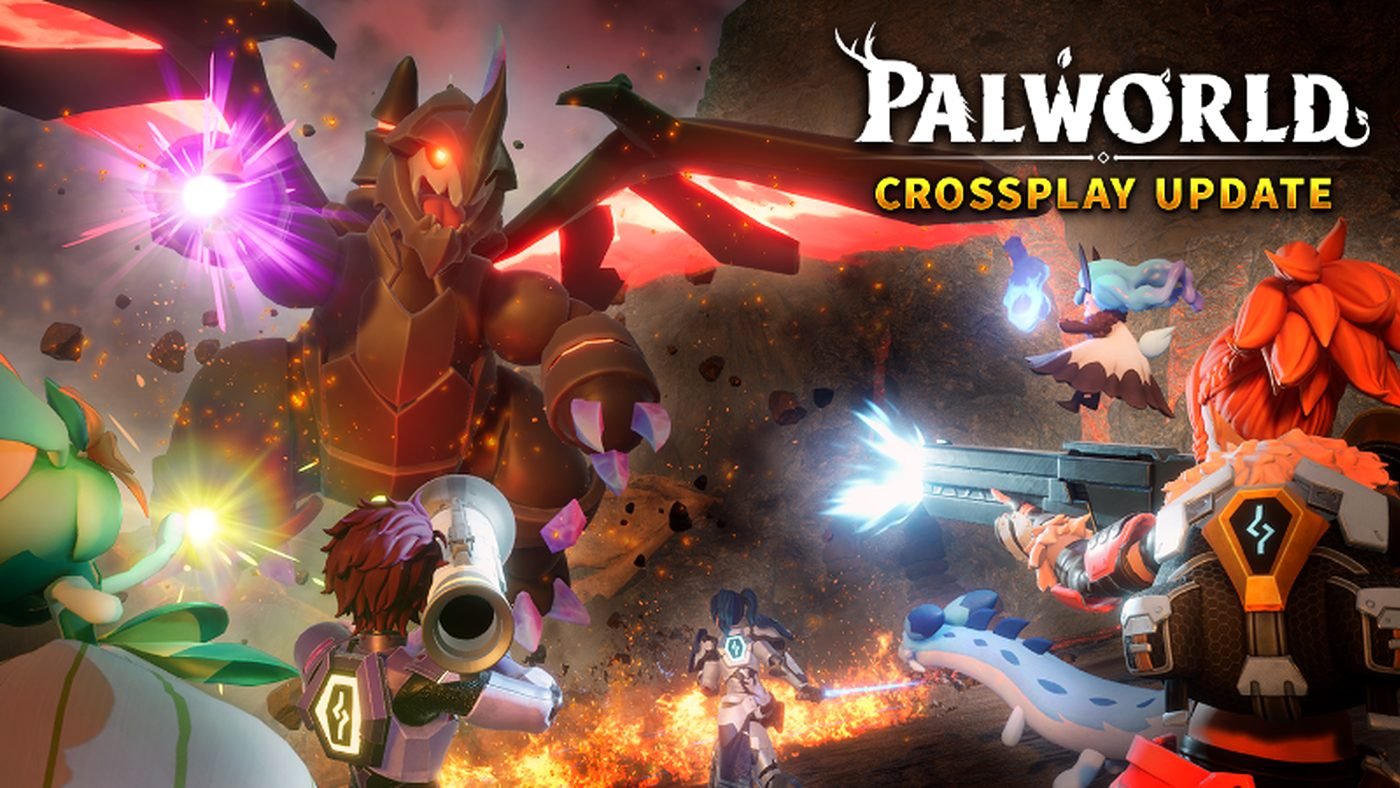
Crossplay in Palworld 1.0 depends on which platform you and your friends are using. The game supports crossplay between Xbox and PC Game Pass, but Steam crossplay is limited. This guide covers all supported platform combinations, how to set up multiplayer, and known limitations.
Crossplay Matrix
| Steam PC | Xbox (Console) | PC Game Pass | PlayStation | |
|---|---|---|---|---|
| Steam PC | Yes | No | No | N/A |
| Xbox (Console) | No | Yes | Yes | N/A |
| PC Game Pass | No | Yes | Yes | N/A |
| PlayStation | Not released on PlayStation (as of 1.0) | |||
Steam Multiplayer
Steam players connect via the invite system in the game’s multiplayer menu. You can play with up to 32 players on a dedicated server or up to 4 in a standard co-op session.
How to Join a Steam Co-op Session
- Host opens their world to “Invite Only” or “Friends” in the multiplayer settings.
- Other players select “Join Multiplayer” from the main menu.
- Friend codes or Steam friend invites appear in the join menu.
- Select the host’s world and join.
Steam Dedicated Servers
Dedicated servers support up to 32 players. See the Dedicated Server Guide for setup instructions. Dedicated servers use the Palworld server tool available through Steam or the SteamCMD command-line tool.
Xbox / PC Game Pass Multiplayer
Xbox players and PC Game Pass players share the same network (Xbox network). This is the only crossplay option currently available:
- Xbox players can play with other Xbox players
- PC Game Pass players can play with Xbox players (and other PC Game Pass players)
- Up to 4 players in a co-op session
- Invites are sent through the Xbox social menu
How to Join an Xbox/Game Pass Session
- Ensure all players have Palworld installed (Xbox or Game Pass).
- Add the host player as a friend on Xbox.
- Launch Palworld and select “Join Multiplayer.”
- The host’s world appears in the join list if they have set the session to “Friends Only.”
Why Steam Crossplay Is Not Supported
The Steam and Xbox/Game Pass versions use different network middleware — Steam uses its own networking layer, while the Xbox version uses the Xbox network stack. These are not compatible without significant development work. The Palworld development team has stated that crossplay between Steam and Xbox is not a current priority.
Saving and Progression
| Platform | Save Location | Cloud Save |
|---|---|---|
| Steam | Local + Steam Cloud | Yes (Steam Cloud) |
| Xbox | Xbox Cloud Save | Yes |
| PC Game Pass | Xbox Cloud Save (same as Xbox) | Yes |
Note: Steam saves cannot be transferred to Xbox or vice versa. Each platform stores saves independently. If you switch from Game Pass to Steam, you start fresh.
FAQ
Can I play my Steam save on Xbox?
No. Cross-platform saves are not supported between Steam and Xbox/Game Pass.
Can I play with friends on Xbox if I bought the game on Steam?
No. Steam players can only play with other Steam players.
Is there crossplay for dedicated servers?
Steam dedicated servers support Steam players only. Xbox dedicated servers support Xbox/Game Pass players only.
Will PlayStation crossplay be added in the future?
Palworld has not been announced for PlayStation. Update (1.0): Still PC and Xbox exclusive as of the 1.0 release.
Related guides: Dedicated Server Tips | Beginner’s Guide